Built-in NFC
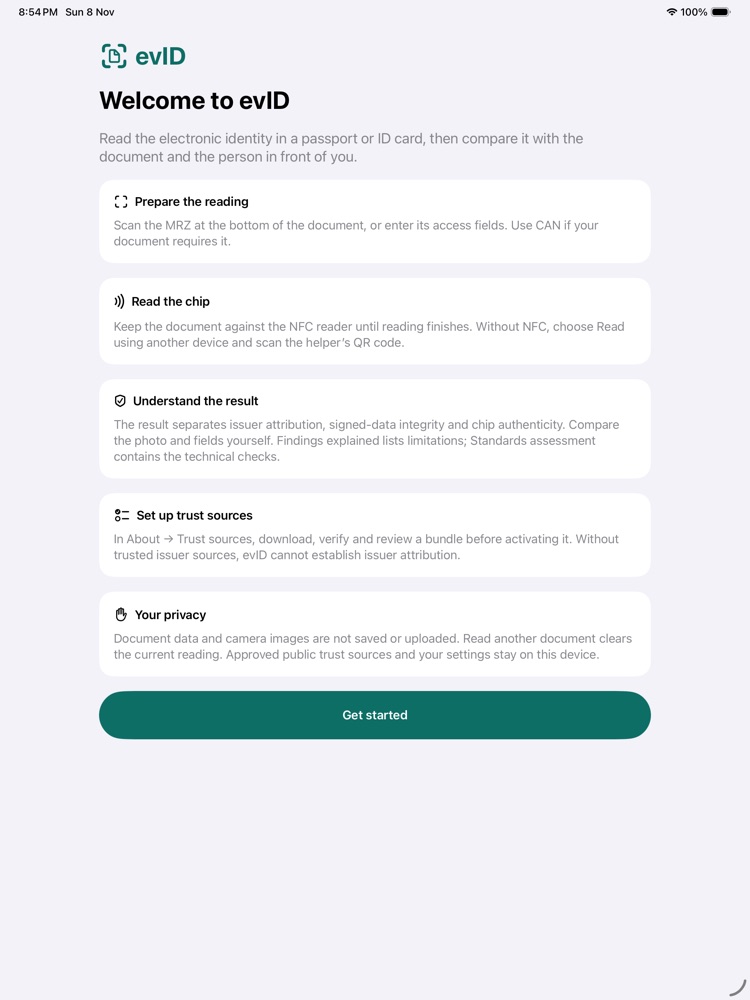
On an iPhone or an Android device with NFC, hold the document against the device and keep it still until the reading ends.
evID · by ALBeID OÜ
evID reads the chip of an electronic passport or identity card and explains what that chip can prove about the origin and integrity of its data. It shows the portrait and identity fields so that you can compare them with the document and with the person presenting it.
The electronic checks support your judgement. They do not replace it: evID does not match faces and does not certify who a person is.
The chip of an electronic travel document stores the holder's identity data and portrait. The issuing authority signs a security object that describes that data.
evID checks three things separately: whether the data read from the chip matches that signature, whether the signer leads back to an issuing authority you trust, and whether the chip itself can prove, with a fresh private-key response, that it is the original. It then explains whether the document and its certificates are currently valid, and what could not be checked.
You still compare the person with the portrait and the printed document. A genuine chip does not identify the person holding it.
Scan the machine-readable zone (MRZ) with the camera, or type the document number, date of birth and expiry date. A document that supports it can also be opened with its card access number (CAN). Then choose a reader.
On an iPhone or an Android device with NFC, hold the document against the device and keep it still until the reading ends.
Connect a reader supported by your device's operating system and choose its interface in evID. All interfaces the system offers are listed, contact, contactless and SAM alike. The contactless (PICC) interface of the ACS ACR1251 is the one we have physically tested.
An iPad, a Mac or a phone without NFC can borrow the reader of another device running evID. The two pair with a one-time QR code and connect directly over encrypted Bluetooth, without the internet.
evID uses the strongest access protocol the document offers, PACE first and then BAC. If a long reading is interrupted, it reconnects automatically within safe limits and tells you when your action is needed. Reading step by step →
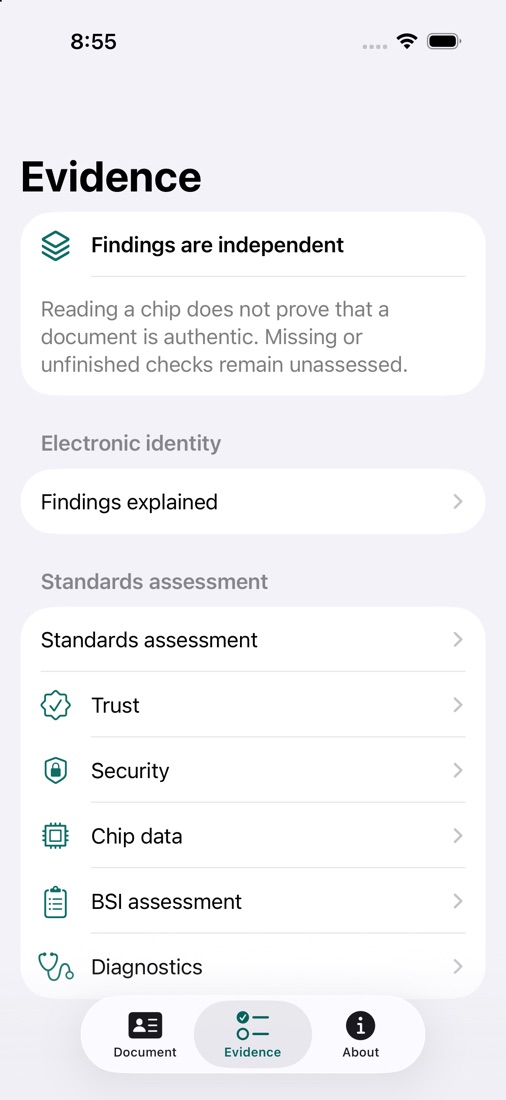
Each answers a different question, from the practical to the strictly technical. All three use the same evidence from the same reading.
The large, uncropped portrait, the identity fields and a short summary of the evidence, with marks that show which fields are intact and attributed to their issuer.
Only the exceptions: problems found, evidence that is missing, what each one means in practice and what you can do about it.
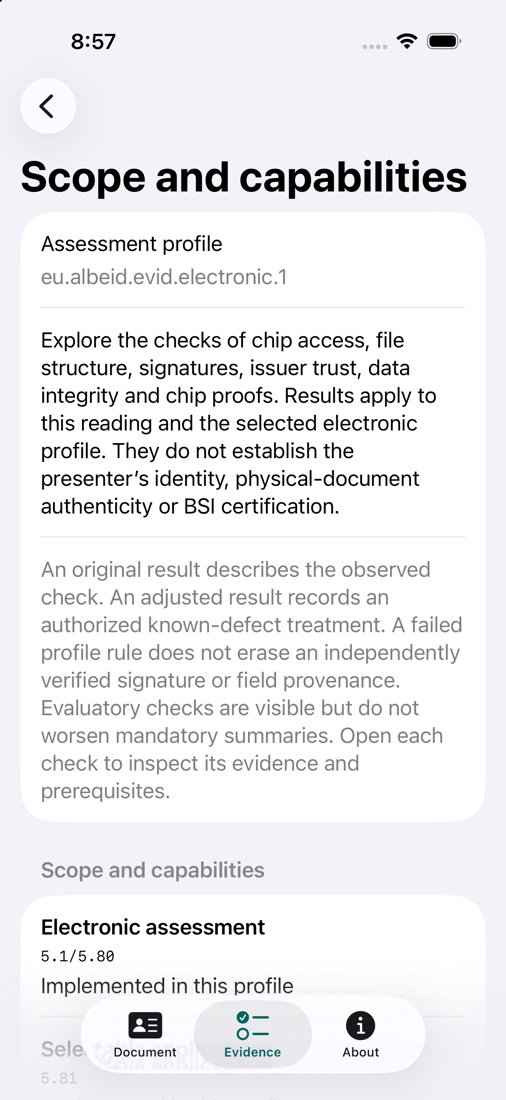
The supported technical checks under the ICAO and BSI specifications, each with its original outcome, its inputs and its explanation, for technicians and anyone who wants the reasons underneath.
| Check | A successful check supports | It does not prove |
|---|---|---|
| Data integrity | The data read from the chip matches the verified signed list of hashes | Who issued it, or that the chip is the original |
| Issuer attribution | The signer leads back to an issuing authority you have admitted, within its restrictions | That the document is acceptable today, or who is presenting it |
| Chip authenticity | A fresh private-key proof verifies, and its key is bound to data authenticated by the issuer | Where the chip is, every hardware security property, or the presenter's face |
Missing evidence never counts as a pass. Expiry, certificate validity, revocation and the freshness of the verification sources are shown separately from the mathematics of the signatures: an expired certificate does not turn a valid signature into a forgery, and a valid signature does not make an expired document acceptable. Opening the chip with BAC or PACE is access, not proof of authenticity. If a document can only be read without encryption, the result says so.
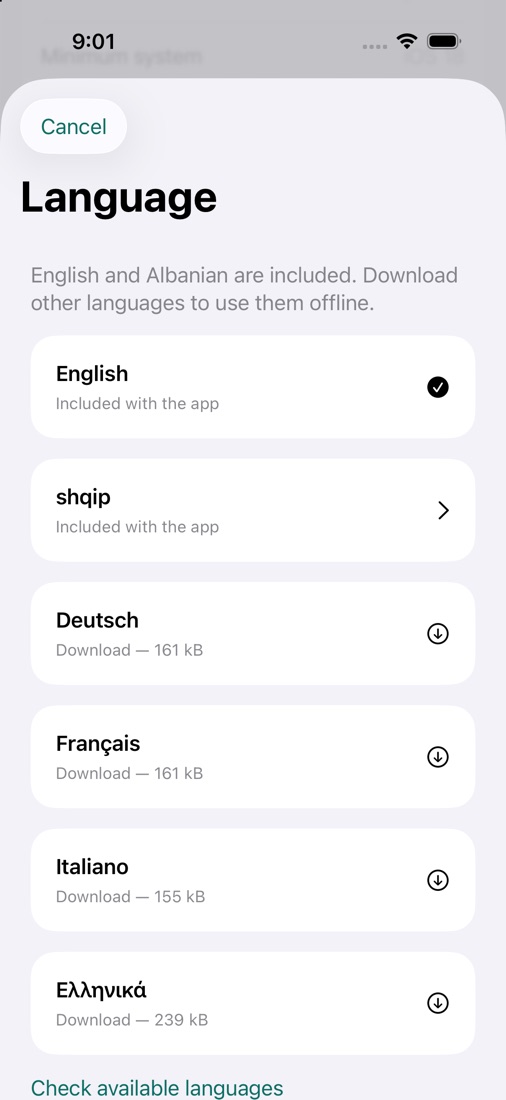
Screens from evID on iPhone. They show the app's controls and contain no document holder's data.
A chip carries its data and a signing certificate, but checking where it comes from needs an independent reference for the issuing authority. Otherwise anyone could sign invented data with a key of their own. evID uses public material for this: country signing certificates (CSCA), master lists, document signer certificates and revocation lists. None of it contains anyone's personal data.
In About → Trust sources, evID shows what a download is for and how large it is before anything is downloaded. Agreeing to a download is not the same as trusting its publisher: you review and activate the sources yourself, and you can choose other providers. Approved sources stay on the device, so signatures can be checked offline.
Certificates, publications and documents all have validity periods, so every result records when it was evaluated and which clock was used. You choose once: your device's clock, or authenticated time from Netnod, protected with Network Time Security (NTS).
If authenticated time is not available, for example offline, reading goes on without waiting and the result says that the device clock was used. evID never changes your system clock. You can change the choice at any time in About → Evaluation time.
evID needs no account. The document's data, its portrait, the access key and the camera images are processed in the device's memory and are never uploaded to ALBeID OÜ. There is no saved history of the documents read: Read another document clears the reading, and closing the app ends it. evID contains no third-party advertising, analytics or tracking.
It uses the internet only to download public files, such as verification sources, language packs and release notes, and, if you allow it, to check the time with Netnod. The evID privacy policy describes every connection and what is kept on the device.
eu.albeid.evid.electronic.1 defines 72 checks based on the BSI and ICAO specifications, with every original outcome, input and dependency kept visible. It is a defined selection, not a share of all BSI requirements.evID is an independent utility and educational tool. It is not a government identity service and not a certified BSI inspection station. It does not perform face matching or liveness detection, and it does not inspect the physical security features of a document. It does not read fingerprints (DG3) or iris images (DG4). Compatibility with a given document, the chip proofs available and the coverage of the verification sources all vary, and evID shows those limits instead of hiding them.
The evID support page explains how to prepare a reading, choose a reader, recover when a reading stops and understand the results. For product support, write to a.vrushi@albeid.eu. Please never send document numbers, MRZ or CAN codes, portraits or other personal data.
How evID handles data: evID privacy policy. How ALBeID OÜ handles emails and server logs: company privacy policy.